
Why doesn’t the normal password work?
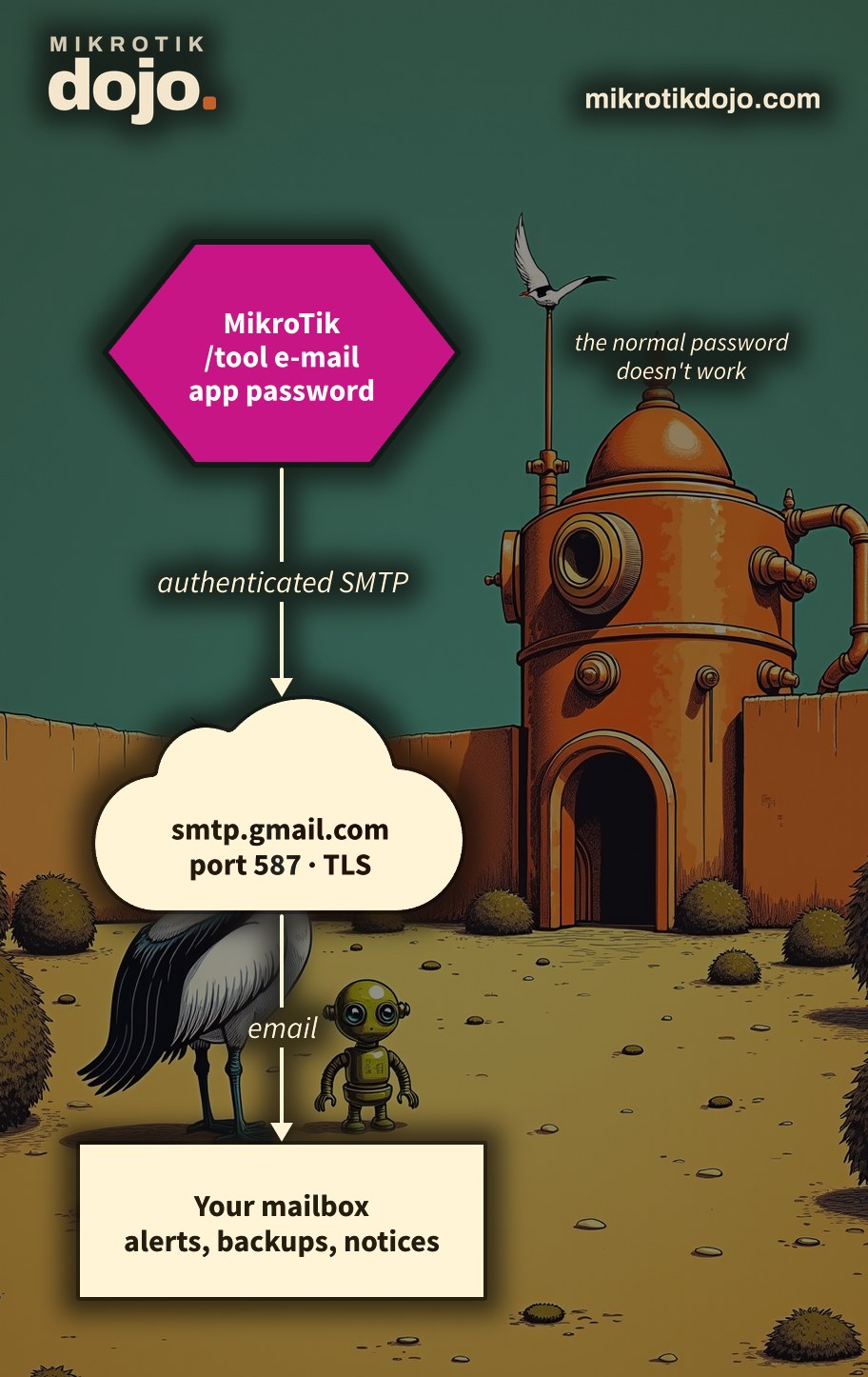
Because Google no longer accepts the account password from applications like a router. Back in 2016 the setup failed with a rejection in the log and the reason was already this; today sign-in with the password alone is closed entirely.
The solution is the app password: a 16-character password generated by Google, valid only for sending, revocable at any time without touching the real password. It’s also safer: if it ends up where it shouldn’t, you revoke that one and that’s it.
Step 1: how do I create the app password?
From the Google account:
- Security → turn on 2-Step Verification (it’s required);
- look for App passwords in the account settings;
- give it a name, for example “MikroTik office”, and generate the password;
- copy it right away: Google shows it only once.
I recommend a Gmail account dedicated to the routers, not your personal one: the alert emails don’t mix with your mail and a revoked password doesn’t touch anything else.
Step 2: does the router reach Gmail?
The router has to resolve smtp.gmail.com, so you need a way out to the internet and a working DNS. In my lab the DNS is 10.0.0.1: use the one on your network.
/ip dns set servers=10.0.0.1
/ping smtp.gmail.com count=3
If the ping answers from an address, the name and connectivity are fine.
Step 3: how do I configure the MikroTik?
/tool e-mail set server=smtp.gmail.com port=587 tls=starttls certificate-verification=yes \
    from="Office Router <avvisi.router@gmail.com>" \
user=avvisi.router@gmail.com password="abcdefghijklmnop"port=587withtls=starttls: the connection starts in the clear and immediately goes to TLS;certificate-verification=yes: the router checks that the other end really is Google, with the authorities’ certificates already present in RouterOS. It’s off by default: turn it on, it costs nothing;password: the app password, no spaces (Google shows it split into four groups);from: the sender that will appear in the email.
⚠️ Warning: in old tutorials the server is given with address=smtp.gmail.com. In RouterOS 7.24.5 that parameter no longer exists and the router answers bad parameter address: you use server=.
All the parameters are in the MikroTik manual: E-mail.
Step 4: how do I test sending?
With a test email from the terminal:
/tool e-mail send to="your.address@example.com" subject="Test from the MikroTik" body="If you're reading this email, SMTP works."From the terminal sending is immediate: if something’s wrong, the error appears right under the command. The errors I saw in the lab and what they mean:
AUTH failed: the router reached Gmail, the TLS connection is fine, but the user or app password is wrong;error connecting to server: the router doesn’t reach the server, so check DNS, the way out to the internet, and the firewall.
When the send comes from a script, the error ends up in the log instead:
/log print where topics~"e-mail"
/tool e-mail print
The second command shows in last-status how the last send went.
Step 5: what do I do with it once it’s configured?
Anything that needs to alert someone. For example a weekly backup sent by email, with the scheduler:
/system scheduler add name=backup-weekly interval=7d on-event={
    /system backup save name=backup-auto password=a-strong-password
    :delay 5s
    /tool e-mail send to="your.address@example.com" subject=("Backup " . [/system identity get name]) \
        body="Weekly backup attached." file=backup-auto.backup
}
The password on the backup is not a detail: without it, the file isn’t encrypted, and an email with the router’s configuration attached in the clear is the last thing you want in a mailbox.
And then the alerts from the other howtos: the unauthorized DHCP server and the unknown devices on the LAN.
Step 6: what do I check before putting it into production?
The app password stays saved in the router’s configuration: the RouterOS 7 export hides it, but whoever gets into the router can use it. Protect access to the router with the Basic hardening of a MikroTik router, and if the router changes hands revoke the app password from the Google account.
Tested in the lab on PNETLab with a CHR running RouterOS 7.24.5 (stable): configuration of /tool e-mail toward smtp.gmail.com with STARTTLS and certificate verification, up to authentication (with test credentials, hence the AUTH failed reply), and a backup scheduler with an attachment. The full send with a real Gmail account and the steps inside the Google account were not tested.
Frequently asked questions
What are Gmail’s SMTP parameters for MikroTik?
Server smtp.gmail.com, port 587, tls=starttls, user equal to the Gmail address and, as the password, an app password generated from the Google account. certificate-verification=yes is recommended too.
Why does Gmail reject the account password?
Google no longer accepts the account password from applications like routers: you need an app password, which can only be created with 2-Step Verification on.
Why does the /tool e-mail set address= command give an error?
In recent RouterOS 7 the parameter is called server: the address= of old tutorials answers bad parameter address.
Can I use another provider instead of Gmail?
Yes, /tool e-mail works with any SMTP server: only the server address, port, TLS type and credentials given by the provider change.
How do I send a file as an attachment from the MikroTik?
With the file= parameter of /tool e-mail send, giving the name of a file present in the router’s storage, for example a password-protected backup.
This howto brings up to RouterOS 7 a 2016 article from my old blog wirelessguru.it, now offline.